
Introduction
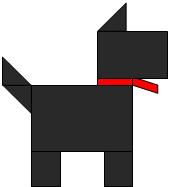
In this Lesson, we would be learning how to break down images of Animals into shapes.
Task
In this Lesson,
students are required to
-
Identify and explore the different qualities of shapes in Animals.
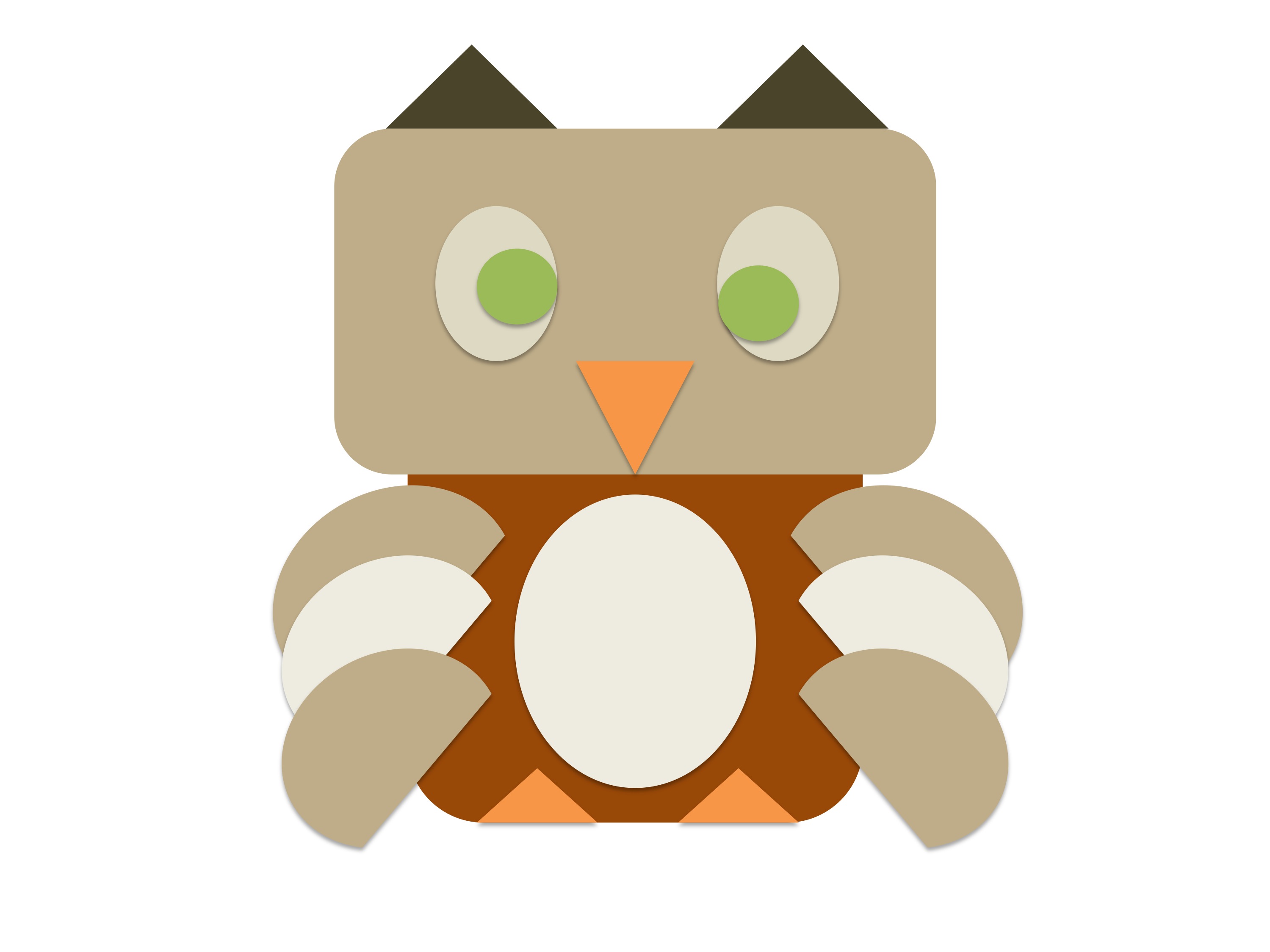
- Evaluate the shapes which make up their chosen animal and use shape art in microsoft powerpoint to form their chosen animal.
Process
|
Activity 1:
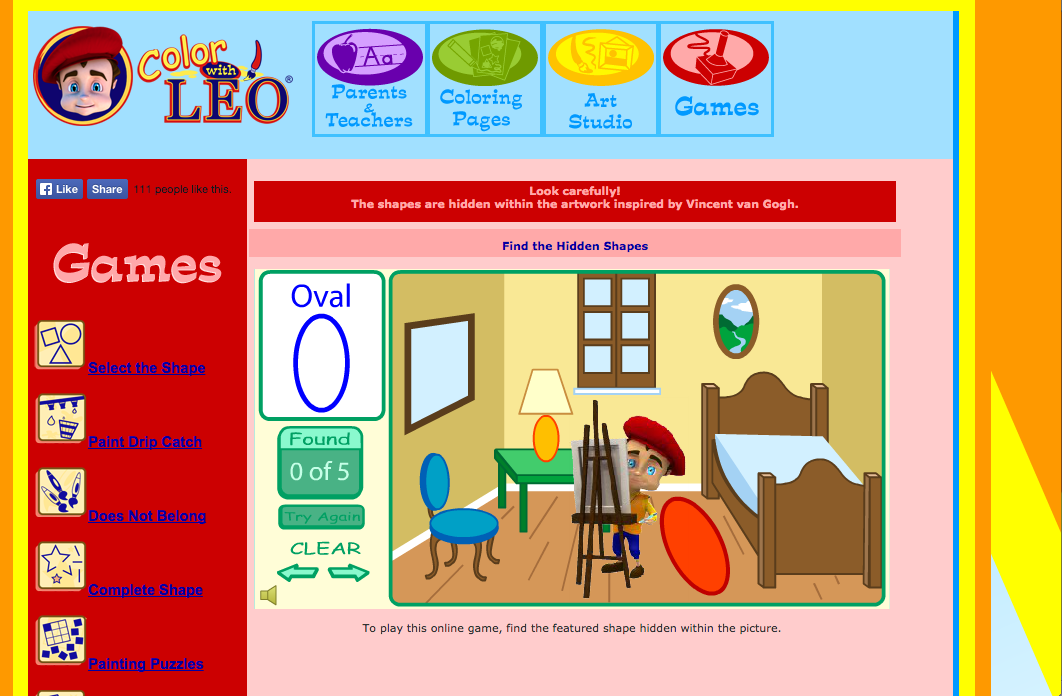
Go to the Colour with Leo website and play the Shape Hunt Game http://www.colorwithleo.com/game_hunt.php In this game, you are to identify 5 of the allocated shape in each picture. Activity 2: http://linoit.com/users/jeannagoh/canvases/What%20shapes%20do%20you%20see%3F
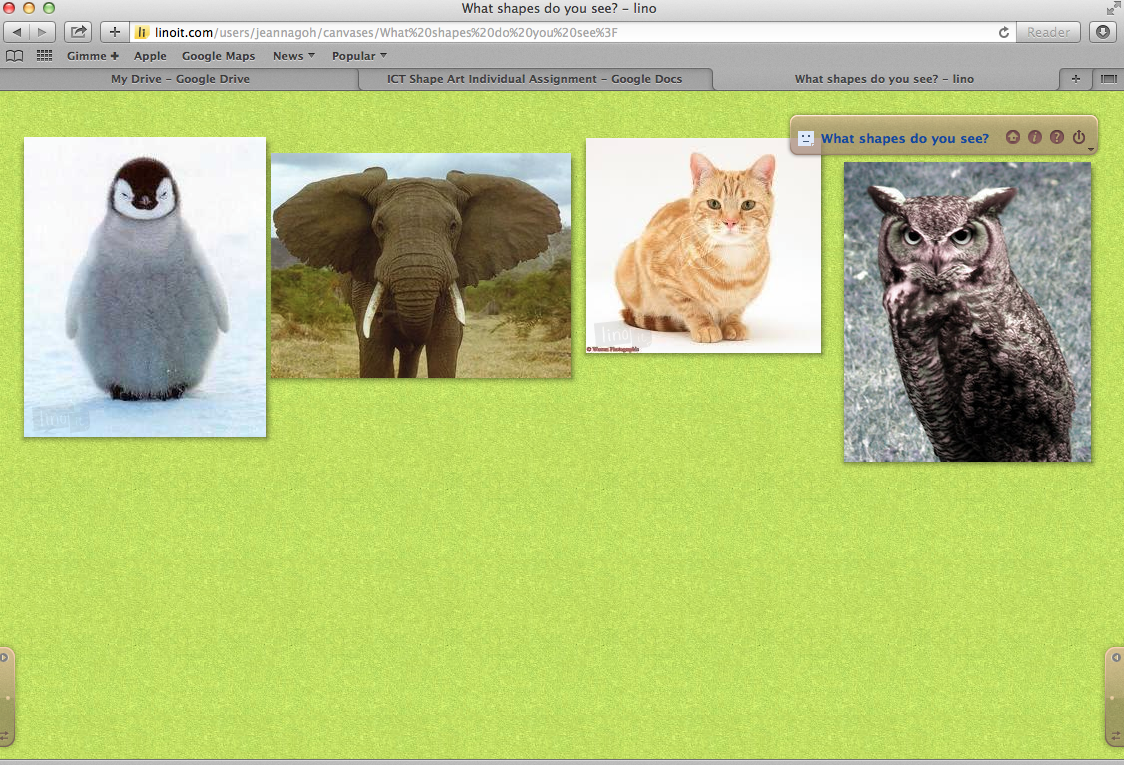
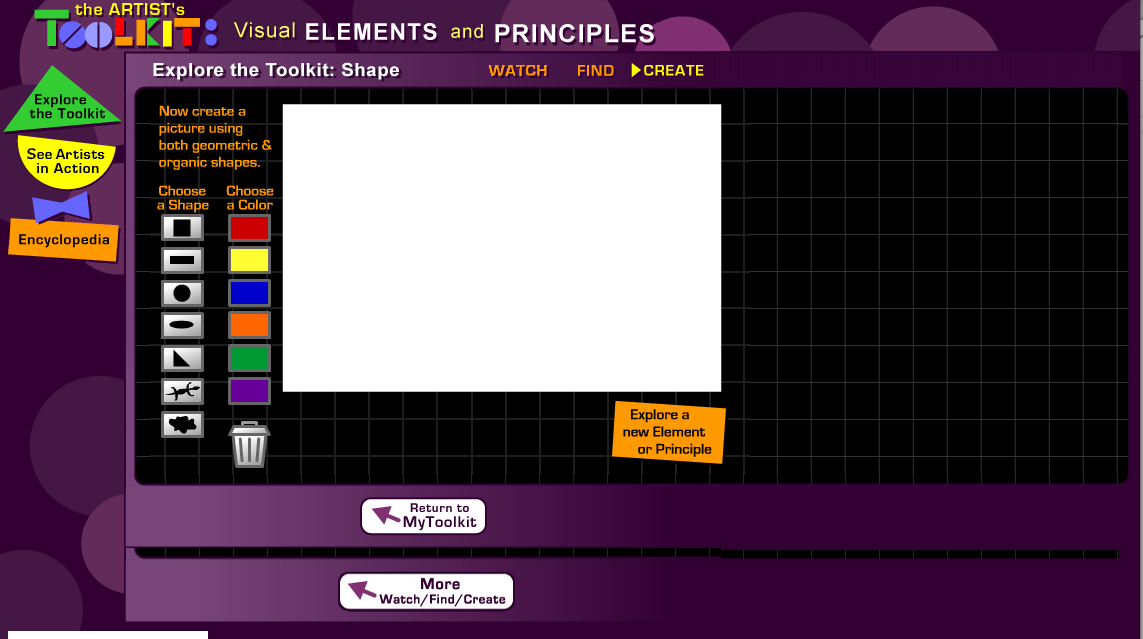
Go to the Lino-it website to post what shapes do you see in each of the animal picture. Use Yellow post its for the Penguin Use Green post its for the Elephant Use Blue post its for the Cat Use Red post its for the Owl. Activity 3 Watch the following videos to have a better idea on why the skill of identifying shapes is important in Art. Also, how can we create an artwork using shapes. Video 1: https://www.youtube.com/watch?v=Ya_MF5MMvb4 Video 2: https://www.youtube.com/watch?v=Ya_MF5MMvb4 Activity 4: To get you started in thinking about your Animal Shape Art, go to Arts Connected and use their create tab to explore and experiment with Shapes.
http://www.artsconnected.org/toolkit/watch_shape_geometric.cfm
Other Resources:
Sophia Org:
http://www.sophia.org/tutorials/elements-of-art-shape
First Palette:
http://www.firstpalette.com/Craft_themes/Colors/Many_Shapes_Picture/Many_Shapes_Picture.html
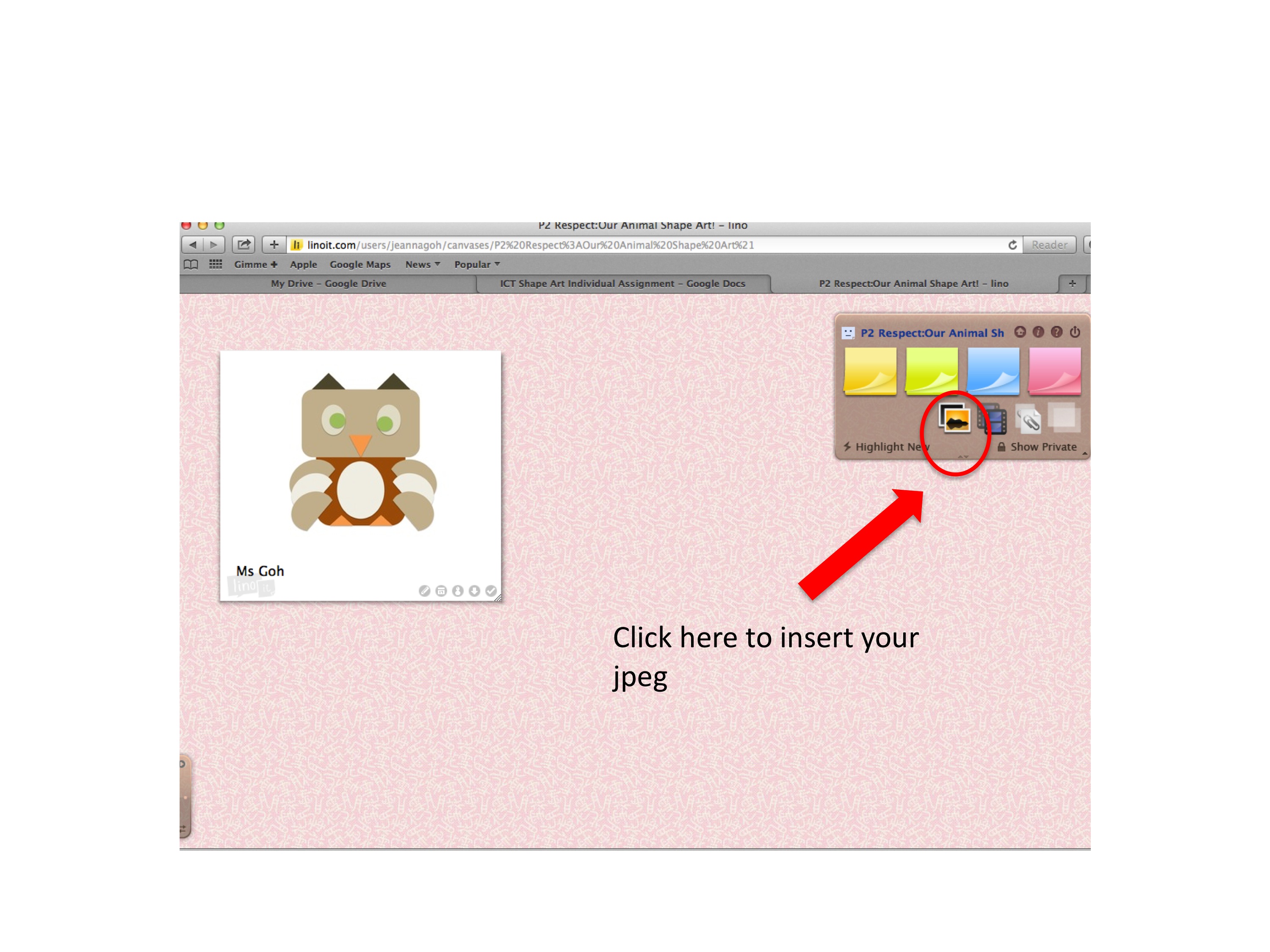
Activity 5 Start making your Animal Shape Art on Microsoft Powerpoint! Click Start > Programmes > Microsoft Office 2010> Microsoft Powerpoint Click on the Insert> Shape Art to get started! Activity 6 Once you have finished, save your Shape Art Animal as a jpeg on the Desktop Go to the P2 Respect: Our Shape Art on Lino-it
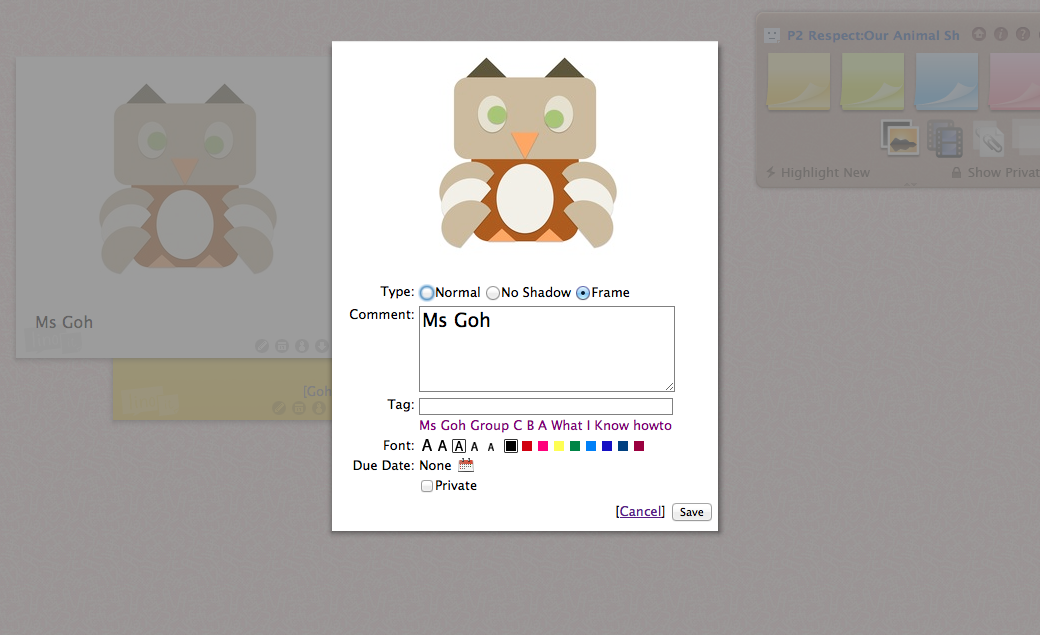
Publish your jpeg. Do remember to add in your name under the comment
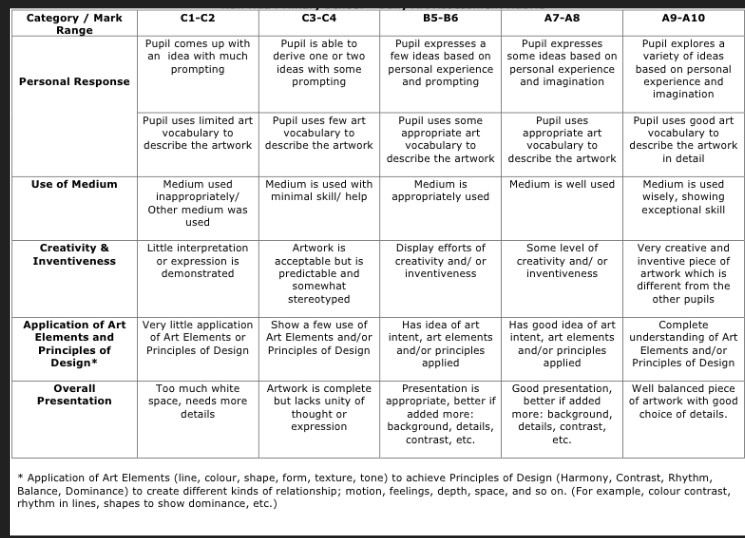
After Uploading your image, you may comment on your friend's work using the post-its. Do give constructive comments by using the art vocabulary taught such as: Use of Colours Use of Shapes Proportion Creativity
|
|
|
Evaluation
Conclusion
At the end of this lesson we would have learnt that
Shapes can be very useful in when put together to form larger pictures
Through experimentation in the arrangement of shapes, we will be able to make meaning to the pictures formed
Credits
Colour with Leo:
http://www.colorwithleo.com/game_hunt.php
Youtube Link for Drawing using Shapes:
https://www.youtube.com/watch?v=Ya_MF5MMvb4
Youtube LInk for Shapes Art app :
https://www.youtube.com/watch?v=9z7A50_Y03E
Arts Connected:
http://www.artsconnected.org/toolkit/watch_shape_geometric.cfm
Sophia Org:
http://www.sophia.org/tutorials/elements-of-art-shape
First Palette:
http://www.firstpalette.com/Craft_themes/Colors/Many_Shapes_Picture/Many_Shapes_Picture.html