
Introduction
You are now going to take on a new identity. YOU are going to become a Sumerian. You will write your name, read a Sumerian myth, and explore an ancient burial site.
Task
Follow the directions for each project.
When you have finished a project, put an X in the blank beside the project name.
Process
 _____ Cuneiform Project
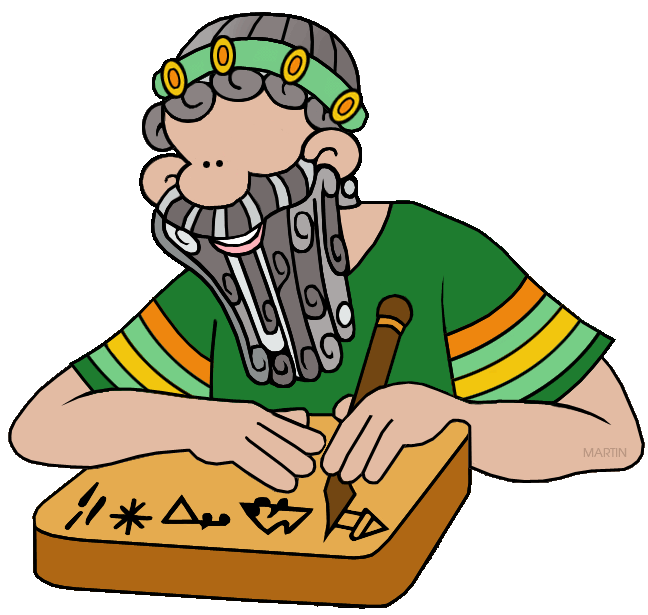
1. Go to this website: www.penn.museum/cgi/cuneiform.cgi
2. Follow the directions on the website.
3. Get a piece of paper from me and copy your initials in cuneiform. Write them in pencil and then with a Sharpie. Below your cuneiform initials, write your real initials. Write your name on the back in pencil. Put it in your class basket.
_____ Gilgamesh Project
1. Go to Chapter 4 pages 84-85 through your app. Read about Gilgamesh.
2. Go to this website: www.mesopotamia.co.uk
3. Go to left side tap “Geography”
4. Tap picture of land
5. Go to the left side tap “Story”
6. Read “Gilgamesh and the Cedar Forest.”
7. Answer the questions below short answer.
1. Gilgamesh was King of ____________.
2. Gilgamesh and Enkidu were going to the ________________ forest.
3. Who guarded the forest? ________________________
4. How many winds helped Gilgamesh? ________
When finished with this section, go to left side tap and tap Mesopotamia
_____ Mesopotamian Gods Research
1. Click “Gods and Goddesses”
2. Click the picture in the center of the page.
3. Read the introduction page
4. Click “Story”
5. Read the Mesopotamian myth and answer
the short answer 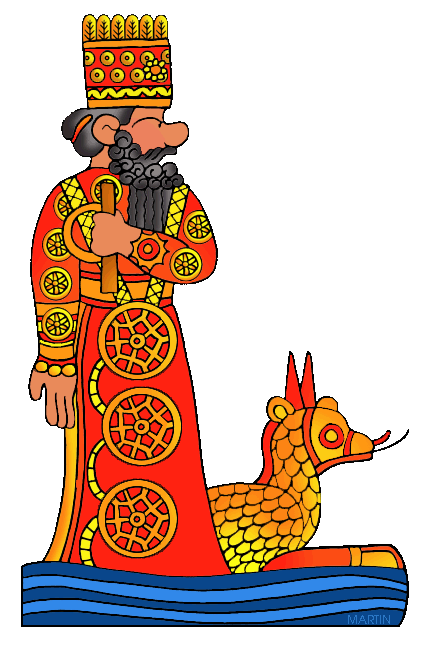 questions below.
1. Who was on the earth at the beginning of time? _____________________
2. To whom did the gods go to for advice? ___________________________
3. What did the humans provide for the gods? _________________________
_____ Mesopotamian Gods Art Project
6. Then click “Explore”
7. Study the gods and goddesses.
8. Create a god, goddesses, demon, or monster. Name your creation and what they are in charge of (rain, crops, sun etc.). Use the white paper to draw and color your creation. You may use crayons, markers, or colored pencils. Write its name and what it did on the bottom of the paper. Write your name on the back and put in your class basket.
When finished with this section, go to left side tap and tap Mesopotamia
_____ Royal Tombs of Ur 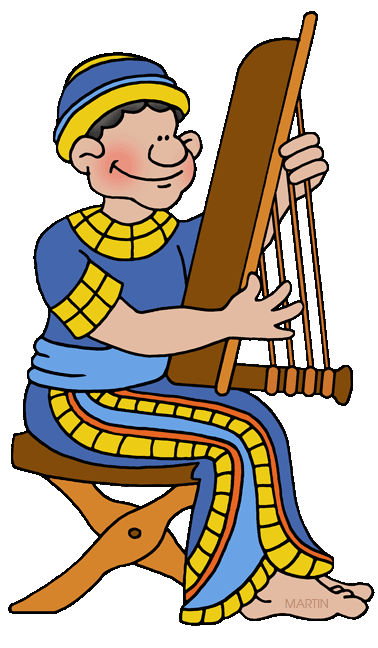
1. Click on “Sumer”
2. Click on “The Royal Tombs of Ur.”
3. Click on picture in center.
4. Read Introduction.
5. Click on “Explore.”
6. Click on “Tomb 779” Answer the short answer questions.
1. How many chambers were in 779? ____________
2. The Standard of Ur was made of shells and _____________________.
7. Click on “Tomb 1237.”
1. How many bodies were found here? _______________
2. What is the tomb known as? ___________________________
3. Name one object found in the tomb._________________________
4.The “Ram in the Thicket” was made of _____________ and _____________.
Click on “Tomb 800.”
1. What was found near Pu-abi’s shoulder? ______________________
2. How many rings did Pu-abi have on her fingers? ________________
3. How many of the fish amulets were gold? _______________
4. What animal had pulled the sledge? _______________________
Evaluation
Cuneiform Project 10 points
Cuneiform - Sharpie ________ 5 pts.
Initials - written below & Sharpie ________ 5 pts.
Gilgamesh Project 20 points
Question 1 _______ 5 pts.
Question 2 _______ 5 pts.
Question 3 _______ 5 pts.
Question 4 _______ 5 pts.
Mesopotamian Religious Research 15 points
Question 1 ______ 5 pts.
Question 2 ______ 5 pts.
Question 3 ______ 5 pts.
Mesopotamian Religious Art 25 points
Create Image ______ 5 points
Name of god ______ 5 points
Purpose of god ______ 5 points
Following Directions ______ 5 points
Effort ______ 5 points
Royal Tombs of Ur
Question 1 ______ 3 points
Question 2 ______ 3 points
Question 3 ______ 3 points
Question 4 ______ 3 points
Question 5 ______ 3 points
Question 6 ______ 3 points
Question 7 ______ 3 points
Question 8 ______ 3 points
Question 9 ______ 3 points
Question 10 ______ 3 points
______ Total