
Introduction
Introduction
There are many benefits of using MS.PowerPoint ,one of those benefit to present the information briefly in attractive and structured way. For that, this WebQuest is created to assess student of grade 3 previous knowledge about using MS.PowerPoint and features that he already learned in MS.Word to be implemented also in MS.PowerPoint,then let the student to learn more about MS.PowerPoint and let him to create the first presentation.

By Aysha Ebrahim Alrowaiei
Task

Dear student you will be able to:
- Open MS.PowerPoint
- know the components of the main screen of the program
- Add and delete slides
- Choose the appropriate layout for the slides
- Choose appropriate background
- Add Word Art and pictures
After completing all the skills above student will create his first presentation using MS.PowerPoint by following the steps , the guidelines embedded in the activities papers and by applying the previous knowledge about some skills he learn it before .
Process
What are required before starting:
- Student must have PC or laptop to work on it.
- Installed and activated Microsoft Office.
- Student ability to write in Arabic and English and so he can recognize the letters on the keyboards.
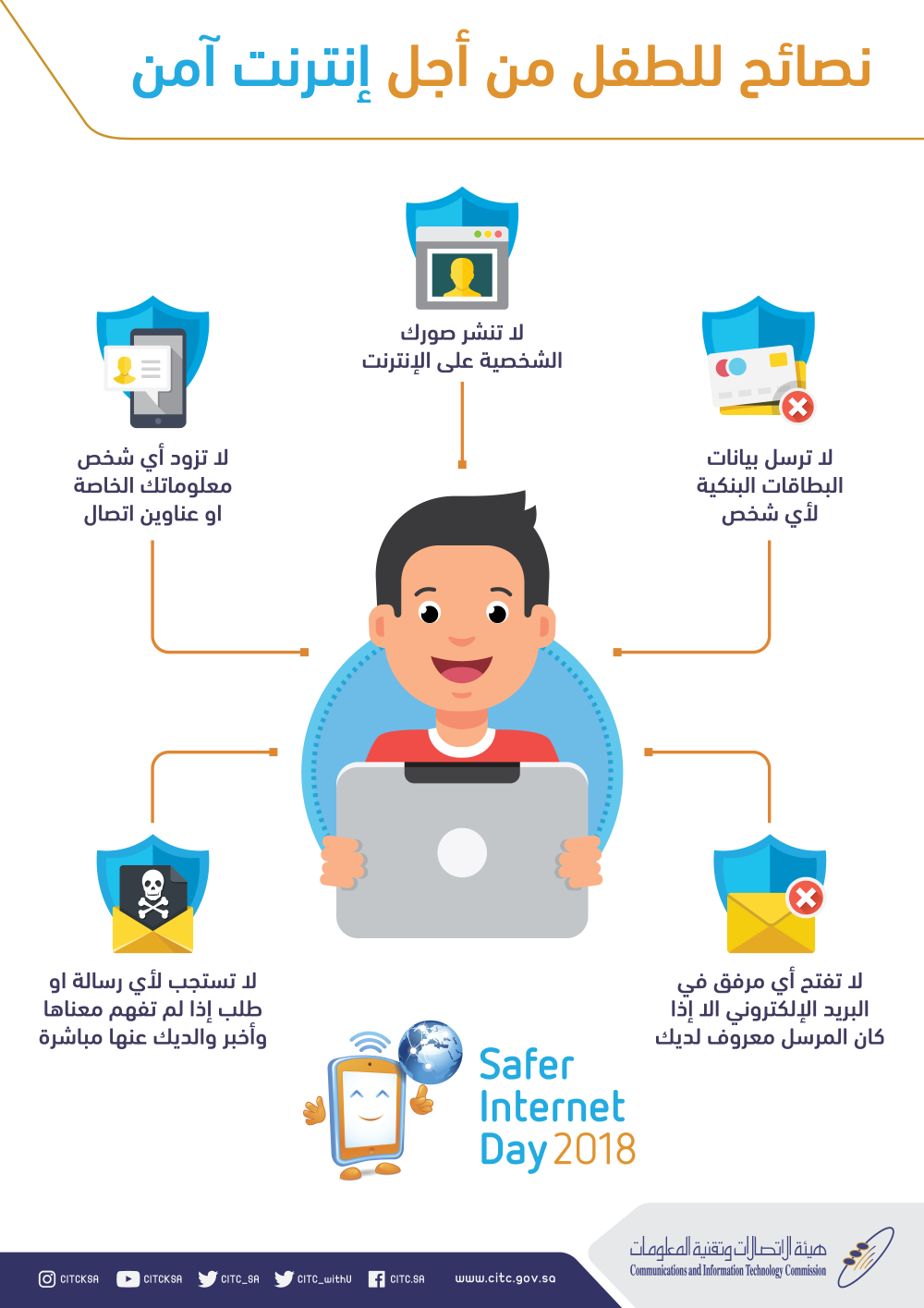
- Student know the correct and safe use of computer and its peripherals.
- Student ability to know Start button and the basic buttons and its functions on the keyboard.
- Student know how to add Word Art,pictures,Bullet and Numbering to the text.
- Student ability to save his work in folder



Dear my little hero, follow the steps in the follow and then click on the links of activity 1 and 2 to complete your project:
Are you ready??
Lets begin....
- Click on the "Start menu" icon
- Click on "All programs"
- Click on "Microsoft Office" folder
- Then try to find the icon of "MS.PowerPoint"
- Try to notice what on the main screen components. ( Click here to read more )
- Create the first file with student full name and save it.
Activity # 1:
Dear student my little star, read carefully the paper embedded in the link below the figure click on it and start to create your project using MS.PowerPoint.
Activity # 2:
Dear student little hero,to complete your project click on the link embedded in the link below the picture and do not to forget to read the paper carefully to help you and try to be creative when it is possible.

 {Never forget to save your work}
Activity # 3:
(Challenge activity)
{Dear precious student, here your challenge ,create your own presentation about your favorite sport and be creative and try to use all skills you have learned about MS.PowerPoint}.
"Do not to forget to make it attractive and well structured"

For submission click here: " www.edunet.bh "
Evaluation
Evaluation:
| Excellent | Very Good | Good | Need to learn more | |
|---|---|---|---|---|
Final presentation |
The presentation was attractive,creative,well structured and the student apply all the skills required as presented in the below self assessments and he was creative in using those skills | The presentation was well structured and the student apply all the skills required as presented in the below self assessments | The presentation was good and the student apply most of the skills required as presented in the below self assessments | The presentation need to do more with and the student apply less than half of the skills required as presented in the below self assessments |

Self assessment checklist:
| Skills | Did | did not |
|---|---|---|
| 1.Open the PowerPoint program and add slides. | ||
| 2.Choose the slide format and insert background. | ||
| 3.Writing text and select the proper format. | ||
| 4.Add Pictures or Clip Art. | ||
| 5.Add bullet or numbering to organize the information. | ||
| 6.Add shapes and text on it. | ||
| 7.Delete the additional slides. |
Conclusion
Conclusion
At the end of the activities, I hope the lesson was enjoyable for you and let you to acquire the knowledge of basic skills of using MS.PowerPoint program,and make you able to make your own presentation.
Good luck,stay safe at home and Allah protect and bless you..

Credits
References:
If you interested to learn more about PowerPoint click on the links below:
Book: Introduction to Power Point
Lesson slides: Introduction PP
Tutorial: Solving Activity 1 +2
Videos:
Link to youtube : How to create a PowerPoint Presentation
or
Watch the video below

Teacher Page
For a successful implementation of my WebQuest in my school well here explained based on the four competencies of ICT framework:
Content and pedagogy:
With starting the project of the king Hamad for future schools and try to integrate the technology into education to support teaching and learning practices,so there are many tools,equipment and devices that schools were provided and equipped in terms of materials ,student activities and assessments,where the books also available online.Since I teach an IT subject this WebQuest will be so much useful and support the goal of integrating technology into education in deliver the content and assess the student performance especially with current circumstances ,as we can see now a day the impact of what the world experiencing from a pandemic of COVID-19 and education from distance.
Collaboration and networking:
ICT provide a powerful tools to support communication among groups and allow to participate effectively in flexible environment for both teacher and learner like sharing resources, new ideas,allow creativity in try to do something different and so on.For that, using WebQuests provide all that, moreover allow the students to collaborate when needed and allow easy access and provide a great opportunities to all learners with taken into consideration of the diversity of learners includes with special needs.As teacher,using WebQuests allow me to communicate to the students easly and broadly, also allow me to provide the students with many resources and allow me to observe their performance.
Social issues:
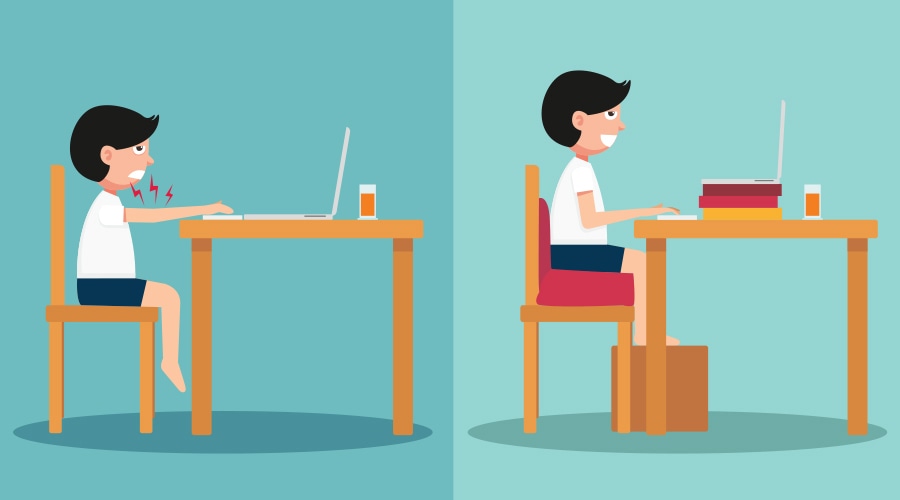
By using WebQuest teachers must understand and apply the legal and moral codes of practice, including copyright which already done when creating this webquest where there are respect of others resources that available on internet and webquest guarantee the copyright .I do and remind my students about healthy use of IT, including seating correctly, adjust light and sound.
Technical issues:
As a teacher, using the webquest to develop a lesson, means that I already used the internet and this tools to create my lesson and the device that I worked on it and other tools if needed for the materials ,assessments and students activities which in turn require for me to search and learn also to deliver a good content for the webquest where the website also provide a technical support.At the same time,I will be as technical support for my students and students working on tasks and viewing and submitting the work require the student to have device to work on it and other thing which mean the available infrastructure.