Introduction
Have you ever imagined the perfect room—your ultimate personal space where everything reflects your style, interests, and comfort? In this WebQuest, you'll step into the shoes of an interior designer and bring your vision to life. This isn’t just about decoration—it’s about expressing who you are, making decisions within a budget, and working as a team to pitch a creative design.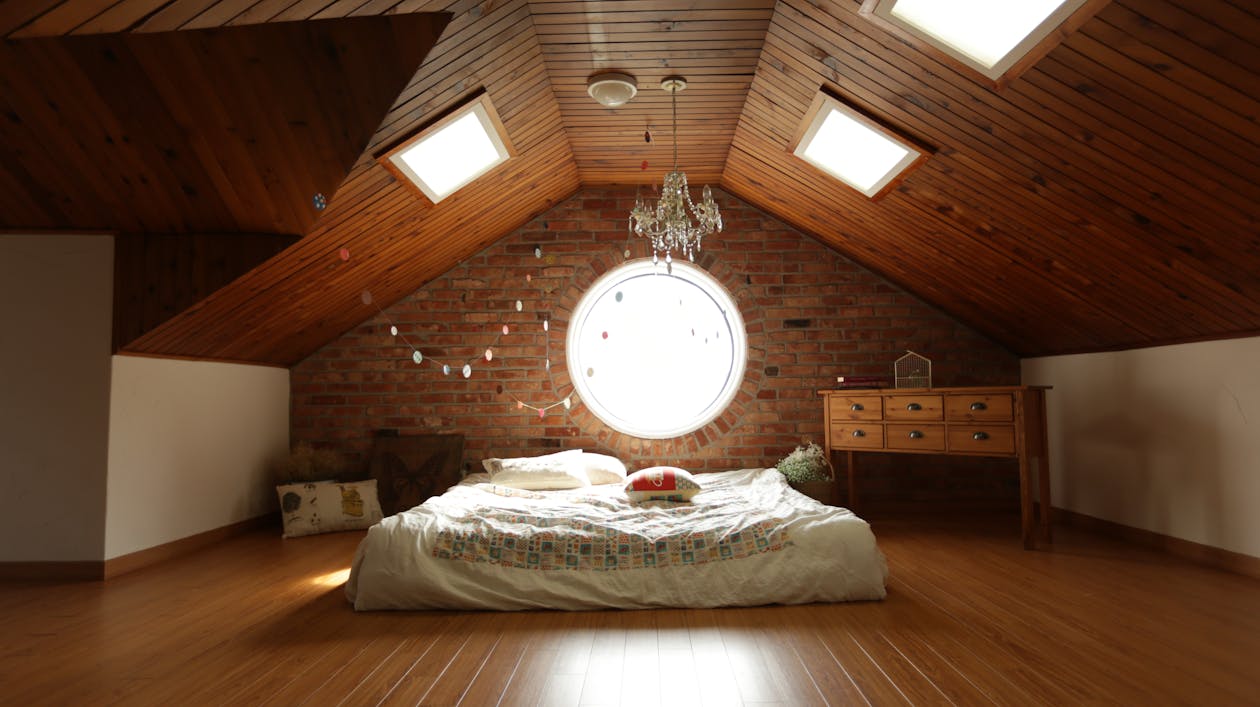
Task
You and your team will become a design firm tasked with creating the ultimate dream room. Together, you’ll research room layouts, explore aesthetics, build a realistic budget, and present your design concept using a multimedia presentation.
Your team will:
-
Assign specific roles: Architect, Stylist, Shopper, and Accountant.
-
Research and design a room that balances creativity, function, and cost.
-
Create a mood board, floor plan, and budget.
-
Deliver a final presentation using tools such as Google Slides, Canva, or Roomstyler.
-


Process
Step 1: Team Formation & Role Assignment
Form teams of 4 and assign roles:
-
Architect – creates the layout and spatial plan.
-
Stylist – defines theme, colors, and overall vibe.
-
Shopper – finds furniture, electronics, and accessories.
-
Accountant – builds a budget and tracks expenses.
Step 2: Inspiration & Research
Use the resource list to explore room styles, furniture, and digital design tools. Take notes and share visuals with your team.
Step 3: Design Development
Each member focuses on their responsibility:
-
Architect draws a room layout.
-
Stylist builds a mood board.
-
Shopper lists item details with images and prices.
-
Accountant creates a $5,000-max budget spreadsheet.
Step 4: Presentation Creation
Combine all elements into a presentation. Your final product should include:
-
Team intro and concept overview.
-
Floor plan and mood board.
-
Item selection with visuals and pricing.
-
Total budget breakdown.
Step 5: Team Presentations
Step 5: Team Presentations
-
Your team will deliver a 5–7 minute presentation that includes:
-
Introduction of your team and your room concept.
-
Floor plan and design features.
-
Mood board and item selection.
-
Budget summary.
-
-
📽️ Bonus Requirement: Create a 1–2 minute promotional video to help “sell” your dream room.
-
This video should capture the atmosphere and design highlights of your space.
-
Include visuals of your mood board, floor plan, and any 3D renderings or mockups.
-
Add music, narration, or captions to make it engaging.
-
You may use tools like Canva Video, Adobe Express, Clipchamp, or iMovie.
-
🔗 Sample Video for Inspiration:https://www.youtube.com/watch?v=gb0p09M3XEs&ab_channel=%CA%9C%E1%B4%8F%E1%B4%8D%E1%B4%87%C9%B4%E1%B4%9B%E1%B4%85%E1%B4%8F%E1%B4%8F%CA%80
-
Step 6: Reflection & Peer Review
Submit a short personal reflection and complete a peer review rubric for another team’s work.
Evaluation
| Category | Excellent (25 pts) | Good (20 pts) | Satisfactory (15 pts) | Needs Improvement (10 pts) |
|---|---|---|---|---|
| Individual Role Work | Clearly defined, well-executed | Mostly complete, minor gaps | Incomplete or weakly defined | Minimal effort or missing |
| Creativity & Design | Unique, thoughtful, original | Creative but common | Some creativity shown | Very basic or copied |
| Budget Accuracy | Fully itemized, under budget | Mostly accurate | Minor mistakes | Major errors or no budget |
| Team Collaboration | Seamless teamwork | Few issues | Uneven effort | Poor collaboration |
| Presentation Quality | Polished, engaging, visual | Clear and visual | Basic structure | Confusing or sloppy |
Conclusion
By completing this WebQuest, you’ve explored personal expression through design, learned to manage a budget, practiced collaborative planning, and developed presentation skills. What you created is more than a room—it’s a reflection of your imagination and problem-solving abilities.
Where might you apply these skills next? Designing a dorm room? A creative office? An eco-friendly tiny home?
Credits
Thanks to:
-
IKEA and Wayfair for product listings and design ideas.
-
Canva and Pinterest for visual tools and mood boards.
-
Google Sheets for budgeting help.
-
Roomstyler for 3D room planning.